What is AI follow-up question?
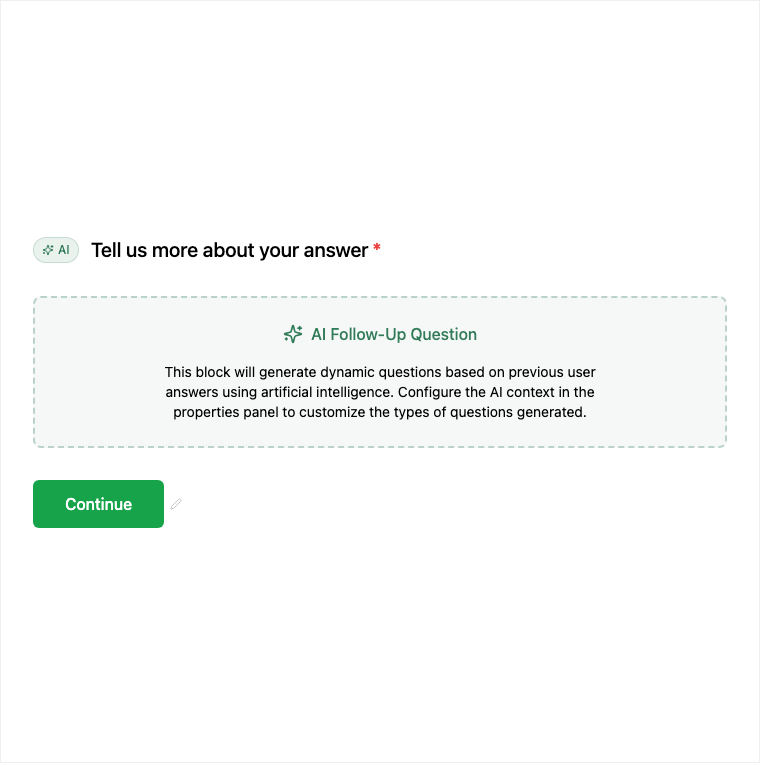
AI Follow-Up asks a contextual AI-generated probe based on earlier answers while the respondent is still filling the form. Add the AI Follow-Up block (Add Block → Other) after the question it should follow. It is not an after-submit email digest and is distinct from Slack/Sheets alerts. It works on every plan, including Free; each generated follow-up uses 1 AI credit.
How it works
- 1Enable AI follow-up on a question or Add Block → AI Follow-Up.
- 2Choose source questions that benefit from clarification (low scores, open text, vague intent).
- 3Preview the in-form probe behavior on the live fill experience.
- 4Publish the form; follow-ups run during the fill while your organization has AI credits.
Benefits
- Contextual probes at fill time while the respondent is still present.
- Clarifies vague or low scores without waiting for a later email.
- Distinct from Slack/Sheets after-submit alerts.
Use cases
- Clarify low NPS or satisfaction scores in-session.
- Probe vague Long Text answers during the fill.
- Research forms that need richer qualitative depth without a second survey.
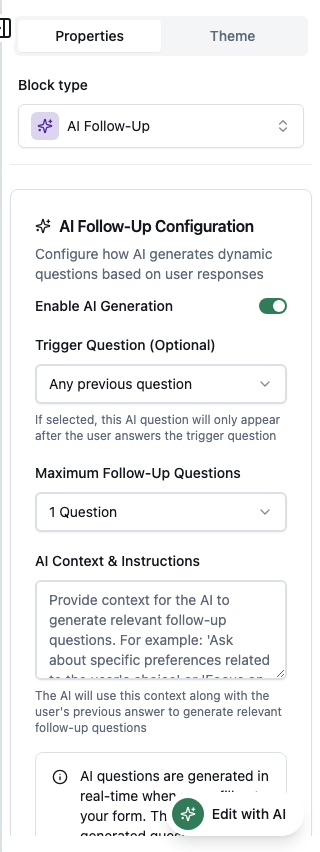
Properties panel
Block-specific settings for AI Follow-Up in the builder properties panel.
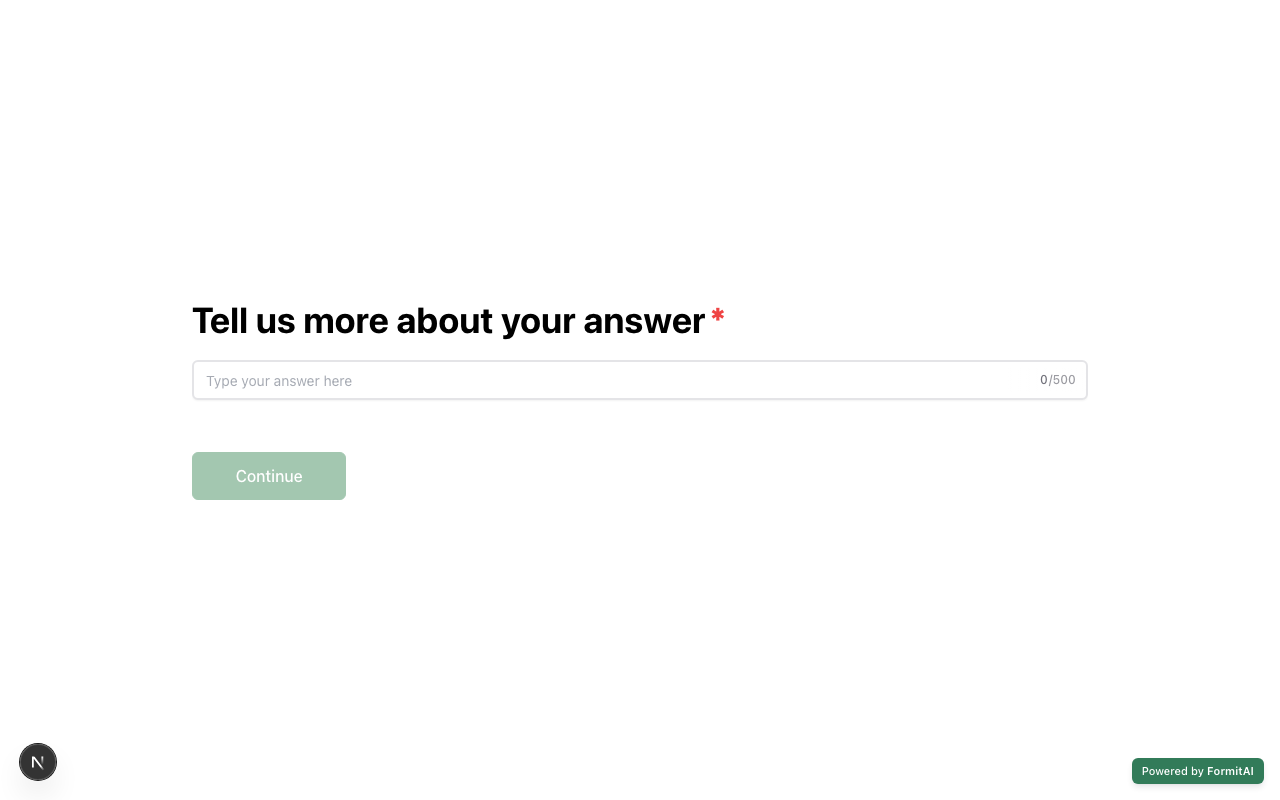
Respondent view
How the AI Follow-Up field appears when someone fills out your published form.
Tips and best practices
- Attach follow-ups to questions that are often vague or scored low.
- Do not confuse in-form AI follow-ups with Slack or Sheets after-submit routing.
- Check your AI credits: each generated follow-up uses 1 credit (Free includes 20 a month), and respondents skip the follow-up if credits run out.
Limitations and plan notes
- Available on every plan, including Free; uses 1 AI credit per generated follow-up.
- Probes happen at fill time - not as an after-submit email digest.
- Distinct from Slack/Sheets/Zapier alerts that fire after submit.
Frequently asked questions
- When do AI follow-ups fire?
- They fire during the fill as contextual probes based on earlier answers - not as an after-submit email digest.
- Is AI follow-up the same as Slack alerts?
- No. AI follow-ups are in-form probes. Slack/Sheets alerts are after-submit notifications.
- Which plans include AI Follow-Up?
- Every plan, including Free. Each generated follow-up uses 1 AI credit from your organization's monthly grant: 20 on Free, 500 on Basic, 1,000 on Plus and 2,500 on Business and Talent. If credits run out, the form keeps working and respondents skip the follow-up.
Try it in FormitAI
Open the builder, configure this in a real form, publish a version, and share a link or embed. Start free - when a feature needs a paid plan, the builder tells you before you publish.
Open FormitAI