What is Collect partial responses?
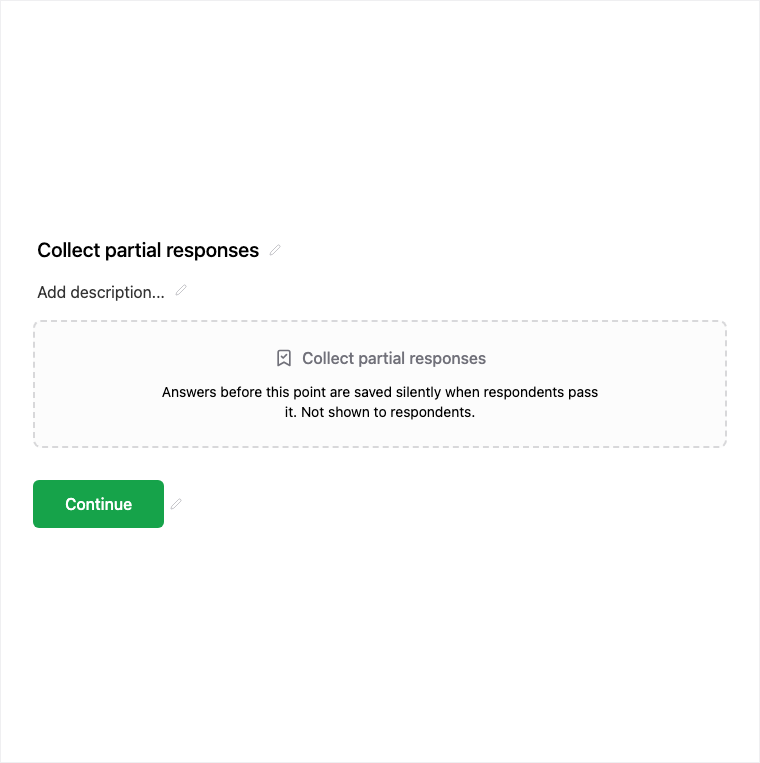
Collect partial responses places a silent checkpoint so answers save when respondents pass it - even if they abandon later. Add it from Add Block after at least one question and before later questions. Publishing is plan-gated; saved partials typically count toward response limits.
How it works
- 1Add Collect partial responses after at least one question you care about.
- 2Place it before later questions so progress past the checkpoint can save.
- 3Preview that respondents do not see a question UI at the checkpoint.
- 4Publish on an eligible plan and review partial vs complete submissions in Results.
Benefits
- Silent checkpoint for respondents - no extra question UI.
- Captures incomplete fills that still have value on long forms.
- Place after questions you care about most.
Use cases
- Long applications where early answers still matter if someone drops off.
- Multi-section surveys that need mid-form saves.
- Lead forms where contact details appear before optional later questions.
Properties panel
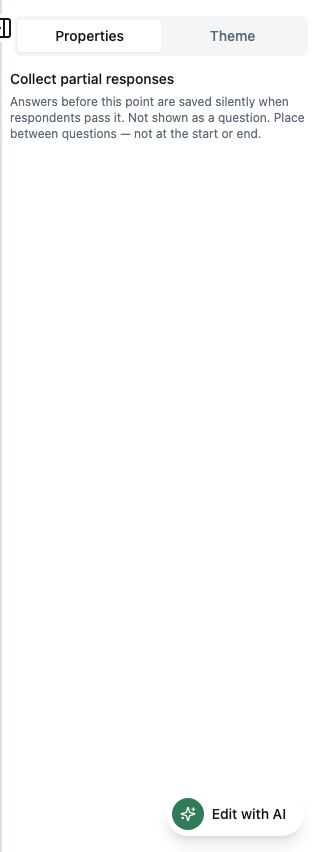
Block-specific settings for Collect partial responses in the builder properties panel.
Tips and best practices
- Place the checkpoint after email or Contact Info if identity is the priority.
- Read the collect-partial-responses guide for Results filtering tips.
- Confirm plan limits on how many checkpoints you can publish per form.
Limitations and plan notes
- Partial checkpoints are plan-gated; publishing may require a higher plan.
- Saved partials typically count toward monthly response quota / response limits.
- Limits may apply on how many checkpoints you can publish per form.
Frequently asked questions
- Do respondents see the checkpoint?
- No. It is a silent checkpoint - respondents should not see a question UI as they pass it.
- Where should I place Collect partial responses?
- After at least one question and before later questions - typically after the answers you most want to keep.
- Is this plan-gated?
- Yes. Publishing may require a higher plan, and saved partials typically count toward response limits.
Try it in FormitAI
Open the builder, configure this in a real form, publish a version, and share a link or embed. Start free - when a feature needs a paid plan, the builder tells you before you publish.
Open FormitAI