What is Page break in forms?
Page Break starts a new page in classic multi-page layout so forms feel like chapters. Add it from Add Block → Page Break in classic layout to group questions and combine with progress UX. See multi-page form docs for layout patterns.
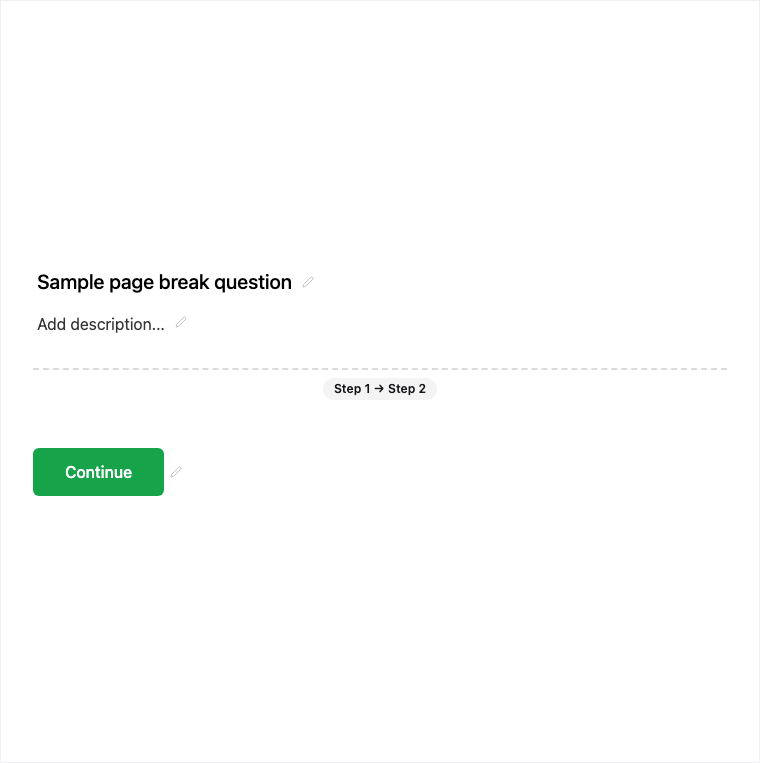
How it works
- 1Ensure the form uses classic multi-page layout.
- 2Add Block → Page Break where a new chapter should begin.
- 3Preview page transitions and progress UX.
- 4Publish so respondents move through grouped pages on the live form.
Benefits
- Splits classic layout into pages that feel like chapters.
- Groups related questions for clearer pacing.
- Combines with progress UX for longer forms.
Use cases
- Classic multi-page applications and intakes.
- Surveys that should feel like sections rather than one long scroll.
- Forms where progress indication matters.
Tips and best practices
- Page breaks apply to classic multi-page layout - confirm layout mode first.
- Group related questions on the same page before inserting a break.
- Pair with Welcome and End screens for a complete chaptered experience.
Frequently asked questions
- Which layout uses Page Break?
- Page Break starts a new page in classic multi-page layout.
- What does Page Break do for respondents?
- It groups questions across pages so the form feels like chapters, often with progress UX.
- Where do I add a Page Break?
- Add Block → Page Break in classic layout to split pages, then preview and publish.
Try it in FormitAI
Open the builder, configure this in a real form, publish a version, and share a link or embed. Start free - when a feature needs a paid plan, the builder tells you before you publish.
Open FormitAI